
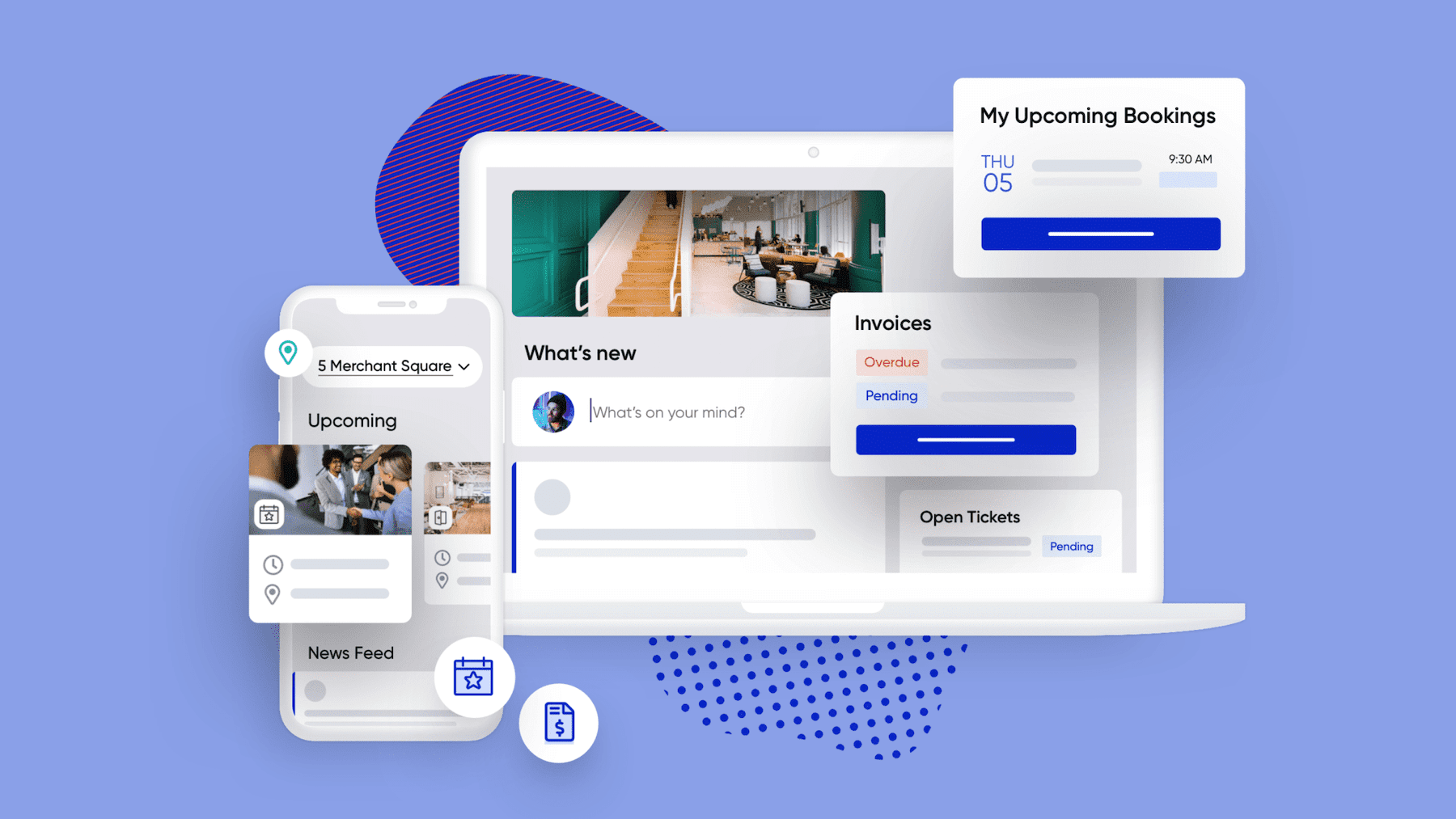
We explain how to access the ULab Workspace Platform so you can book your meeting rooms and access the coworking space.
STEPS TO SET UP YOUR ACCOUNT:
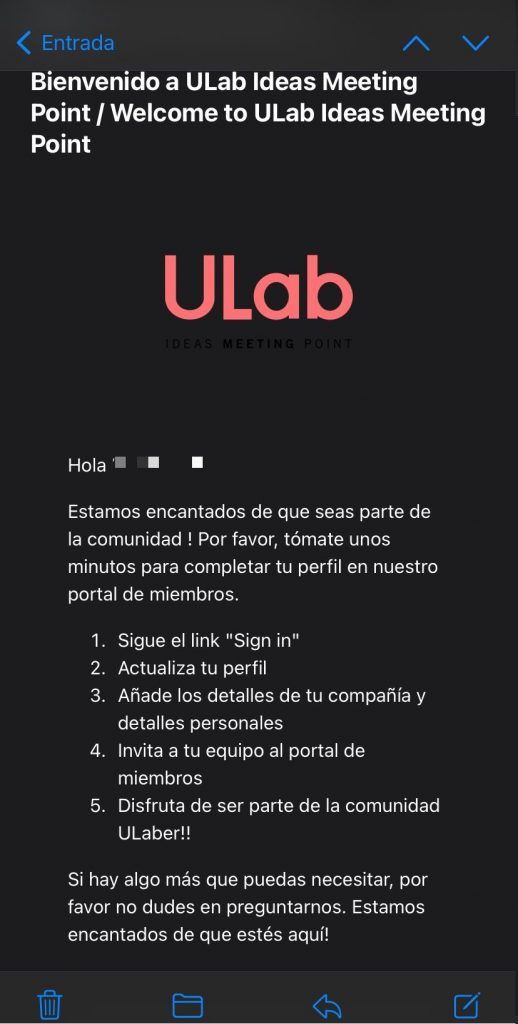
You will receive an email with the necessary steps to log in to the application.
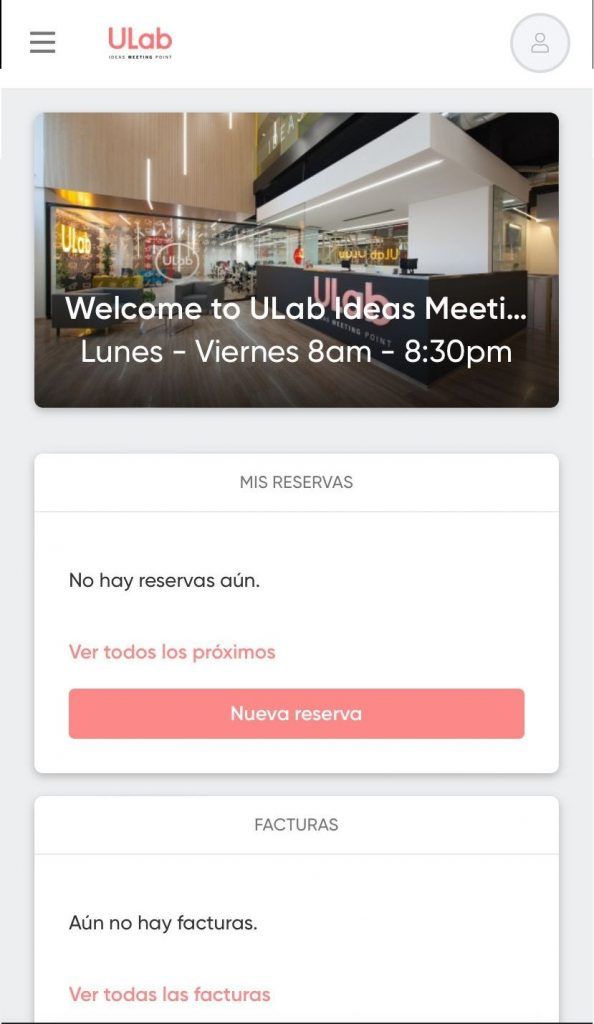
Accept the terms and conditions
Accept the terms and conditions in order to have full access to the application.
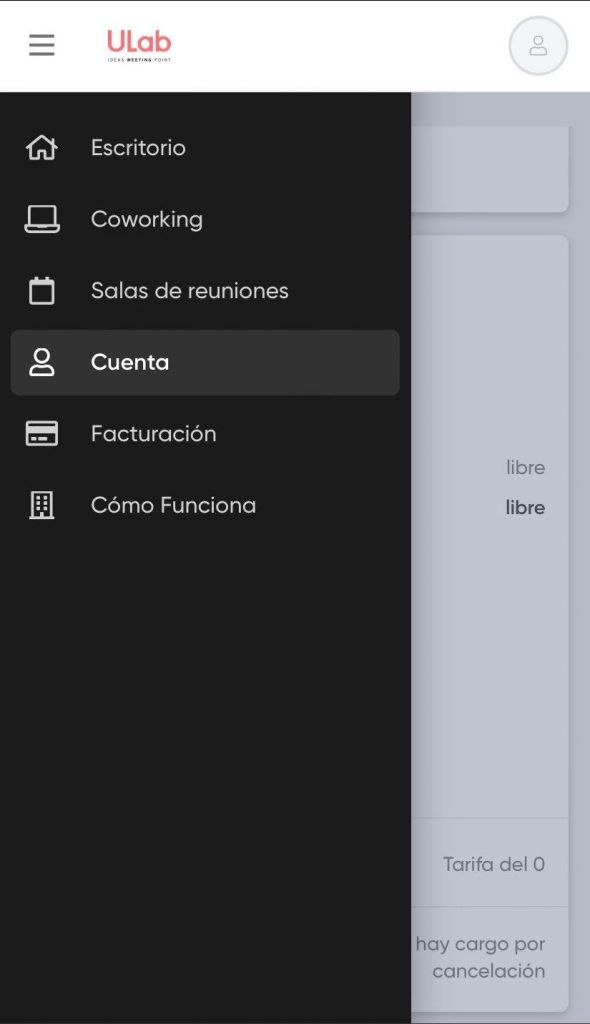
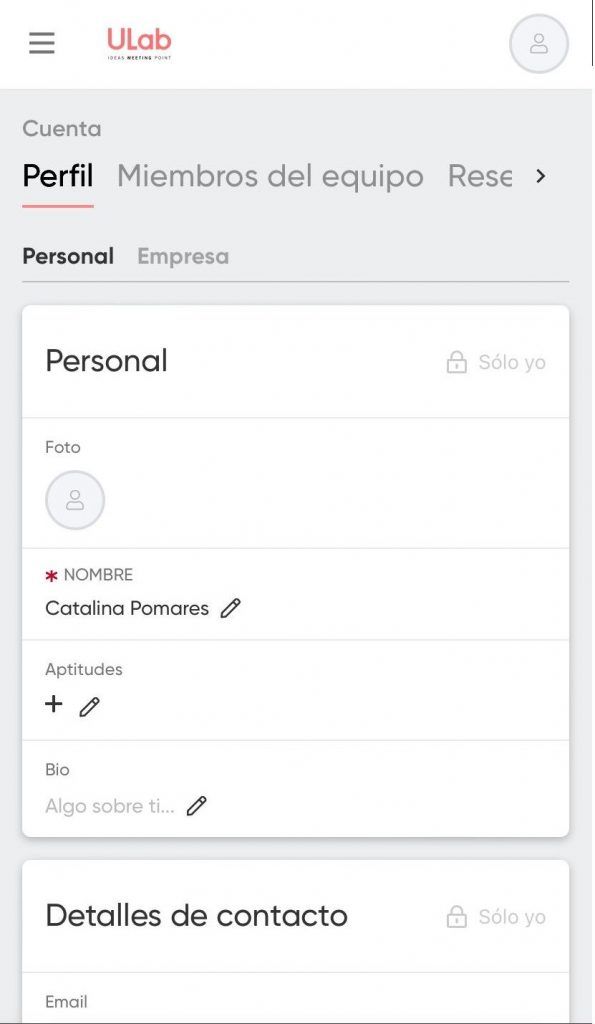
Upload your logo and organization or personal information to:
Settings/My account/General.
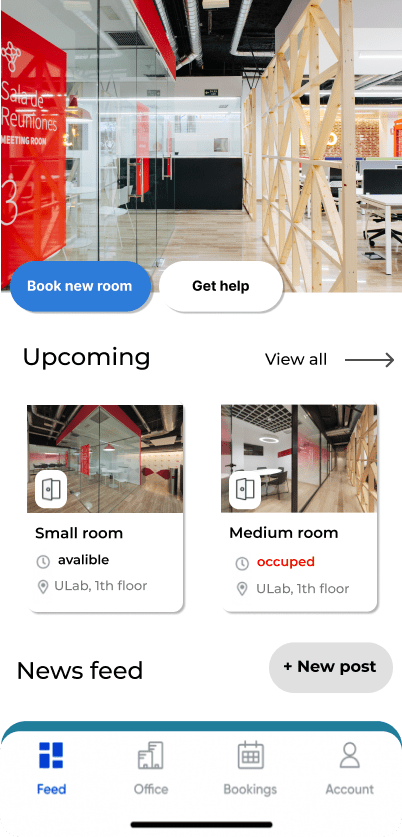
Book a meeting room from the reservation module
We will explain the steps you have to follow to reserve the rooms in ULab, remember that you can always call or write to reception to solve your doubts:
1.
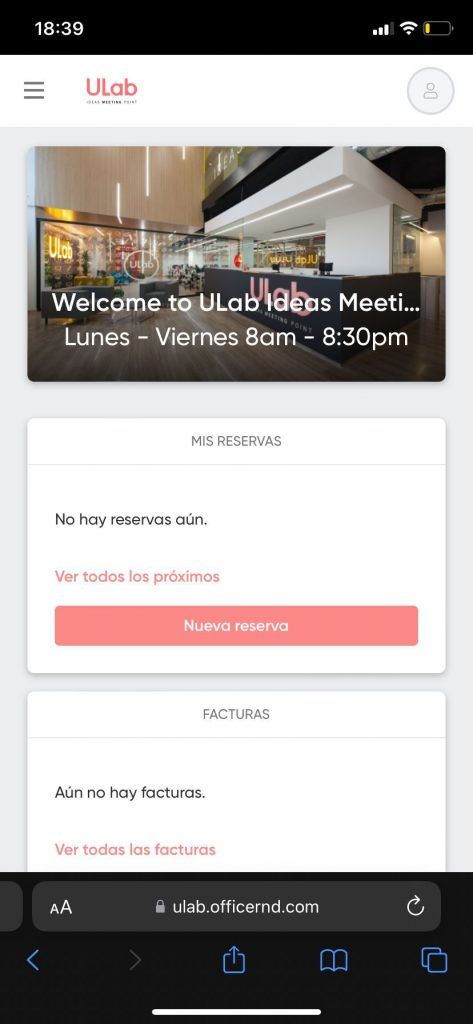
Start your experience in the main Office panel. Click on “New Reservation”.
2.
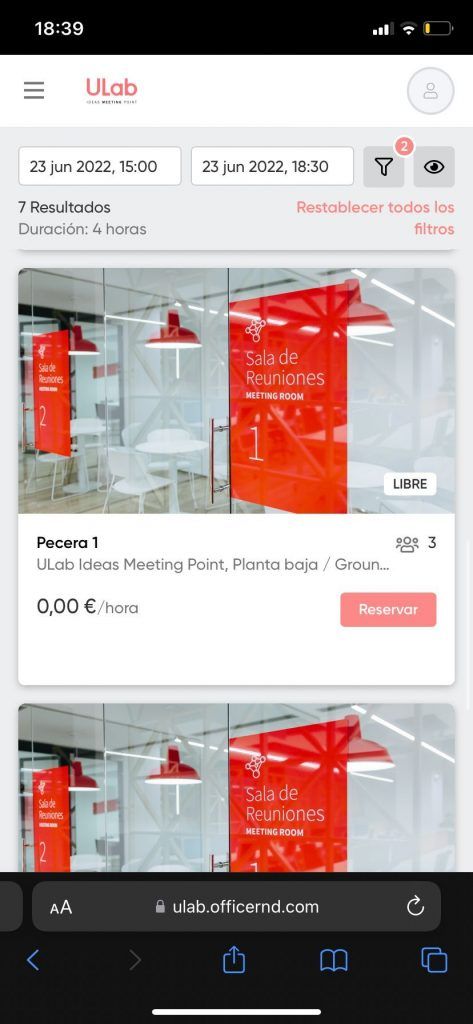
Click on “reserve” the room you are going to use.
3.
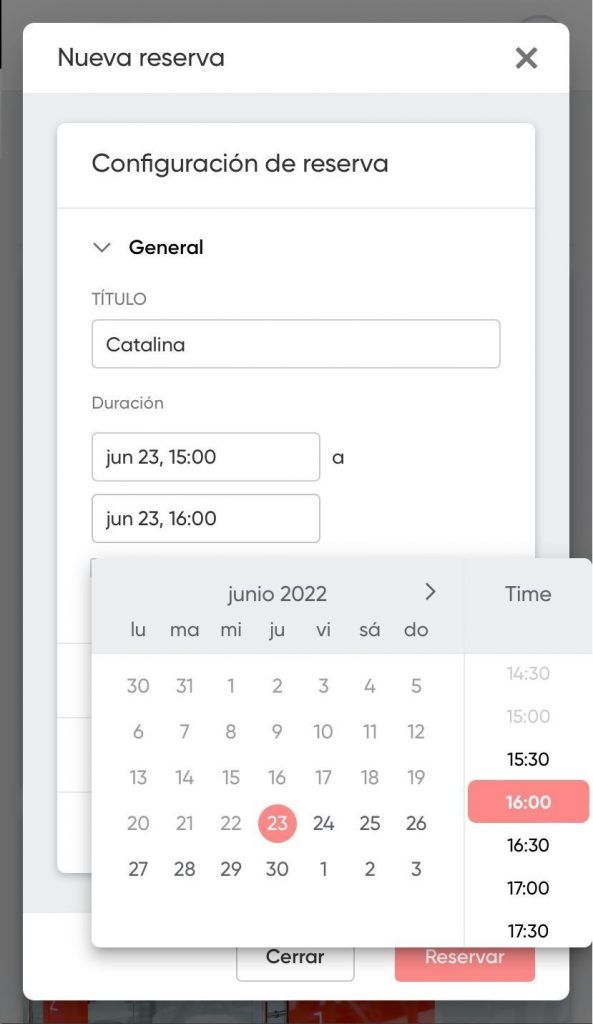
Write your name or the reason for the reservation, the date and time.
4.
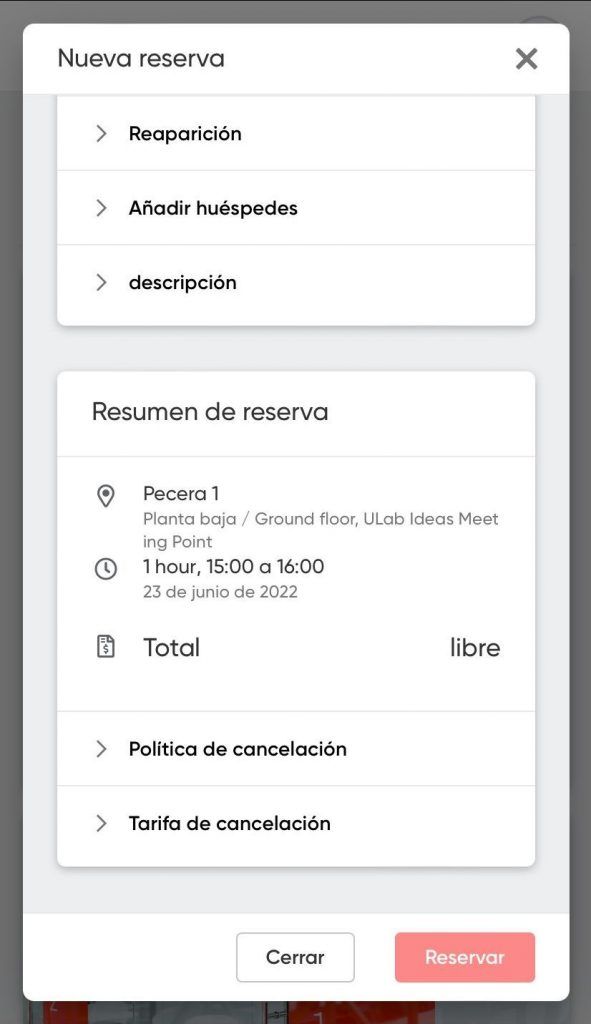
Below you will find the summary of the reservation. In the case of having a coworking contract, “free” or “free” will appear in the total, since certain meeting rooms include in the contract.
5.
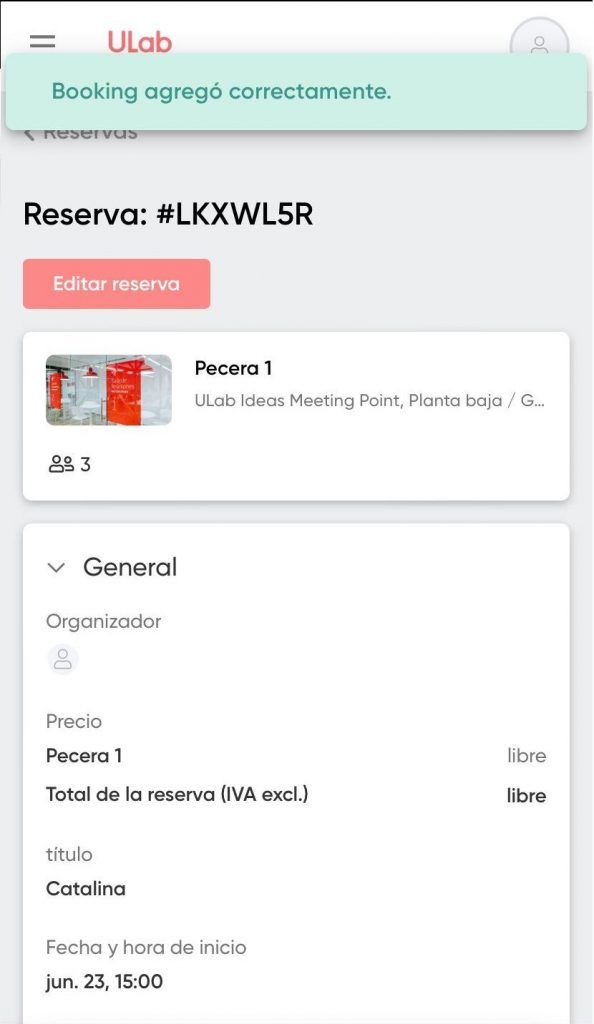
Once the room is reserved, you will see the summary of your reservation and the number that will help us to know the type of reservation you have made.
6.
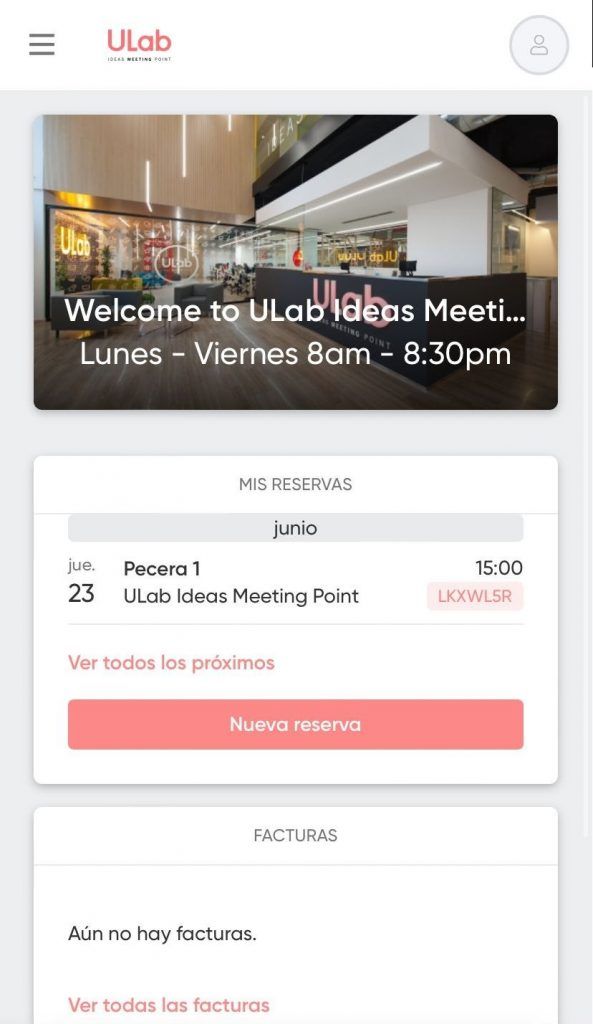
As you will see, at the start of your application the reservation(s) you make will appear. In the case of deleting the reservation, click on the reservation and then “delete reservation”.
For more information contact us
Need a place to focus and grow your projects?
ULab is the coworking space in the heart of Alicante for entrepreneurs, freelancers and remote teams. Flexible desks, private offices, meeting rooms and a real community.

0 Comments