
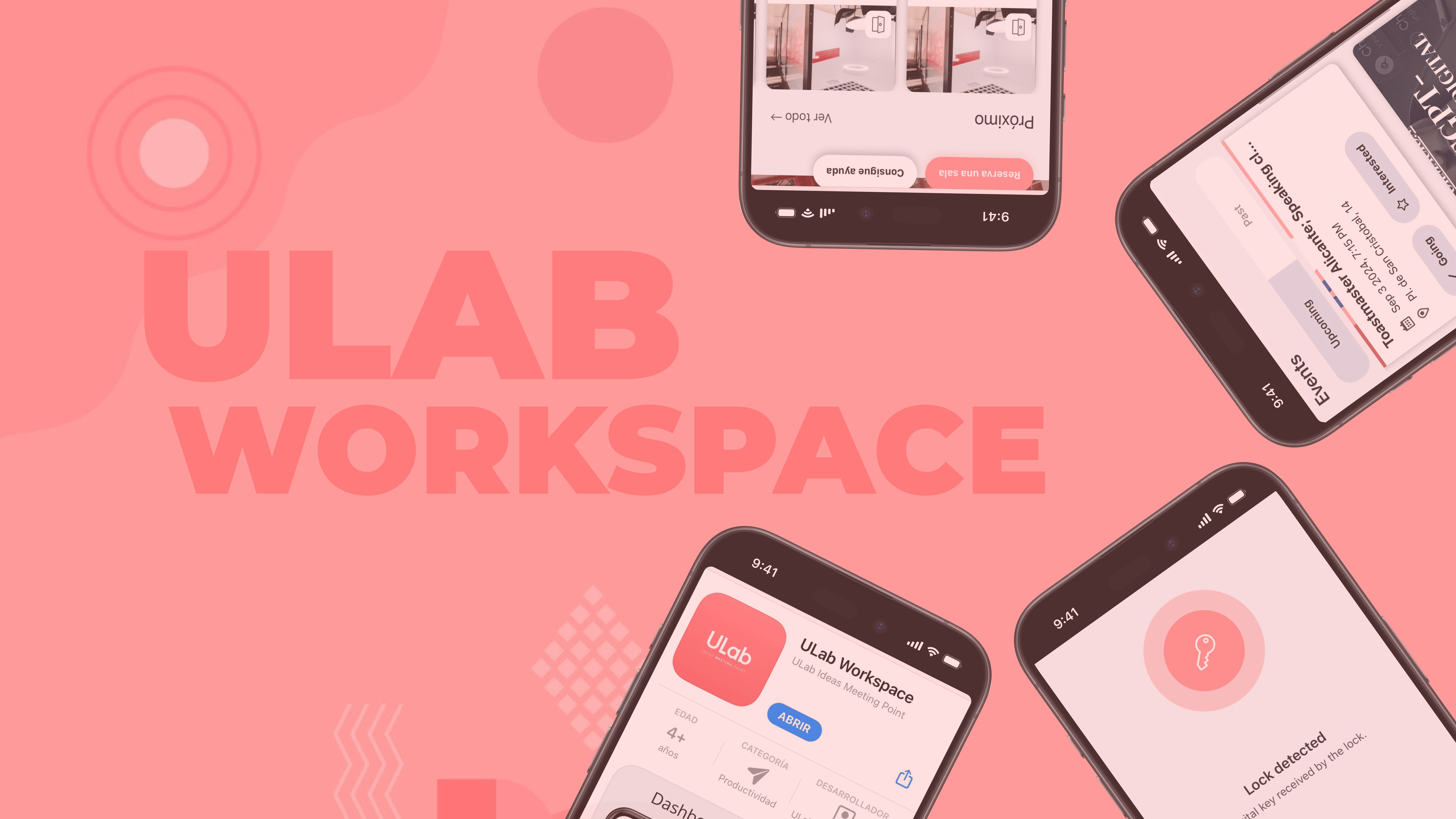
We have created this Q&A guide to help you better understand why downloading our app is not only convenient but essential.
You have questions, we know. Don’t worry, this guide aims to address any doubts you may have. And if you have feedback, we’d love to hear it.
How do I download the app?
- You can find the app on GOOGLE PLAY or the APP STORE. Simply search for “ULab Workspace” or just “ULab” and download it.
- Log in: Use your ULab Member Portal credentials to sign in. (If you have never logged in before, please contact reception.)
What features does the new ULab app offer?
Some of its main features include:
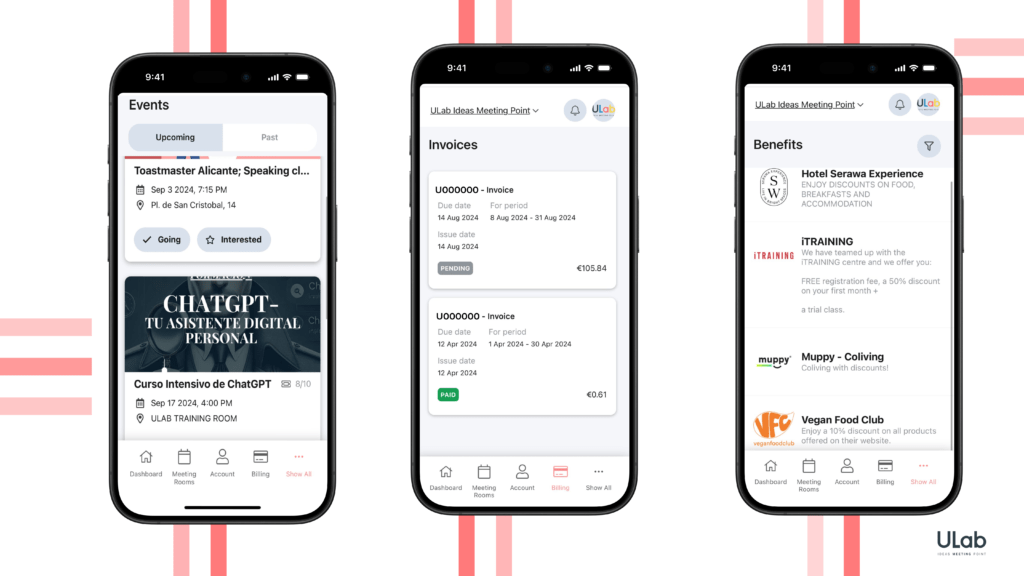
- Meeting Room Booking: Plan your meetings in advance and ensure you always have the perfect space.
- Digital Key Access: The app allows you to enter and exit the coworking space via turnstiles, as well as access ULab’s offices and shared workspaces.
- Invoice Management: View and download your invoices at any time, directly from the app.
- Exclusive Benefits: Access special promotions and discounts available only to app users.
- ULab Events: Stay informed about upcoming events and activities at ULab, and register with a single click.
Why is it important to download the app?
Downloading the ULab app is not just about convenience; it’s also part of our initiative towards a more sustainable and efficient coworking space. Here’s why:
- Replaces Physical Cards: By downloading the app, you no longer need a physical card to access ULab. This not only saves you the hassle of carrying it around but also reduces our environmental impact by cutting down on plastic usage.
- Exclusive Access: The app now serves as your digital key. Without it, you won’t be able to enter ULab facilities. This system allows us to offer a higher level of security, ensuring that only active members have access.
- Ease of Use: All the services you need are in one place—from booking a meeting room to receiving event notifications, and more.
What happens if I don’t have the app?
If you choose not to download the app, unfortunately, you will not be able to access ULab’s facilities or enjoy the benefits our community offers. Since the app is now the primary means of access and service management, having it is essential.
What are the advantages of the desktop version compared to the app?
While the app is designed to offer functionality on the go, the desktop version of ULab includes additional tools for more comprehensive management of your needs.
Some exclusive desktop features include:
- Advanced Membership Management: Manage different types of memberships and add or remove team members.
- Detailed Usage Reports: View the number of credits you’ve used and the number of prints made.
- Profile Settings: You can only change your profile picture through the desktop version.
We are continuously improving your ULab experience, with new updates and features coming soon.
Stay tuned for more!
Need a place to focus and grow your projects?
ULab is the coworking space in the heart of Alicante for entrepreneurs, freelancers and remote teams. Flexible desks, private offices, meeting rooms and a real community.

0 Comments