
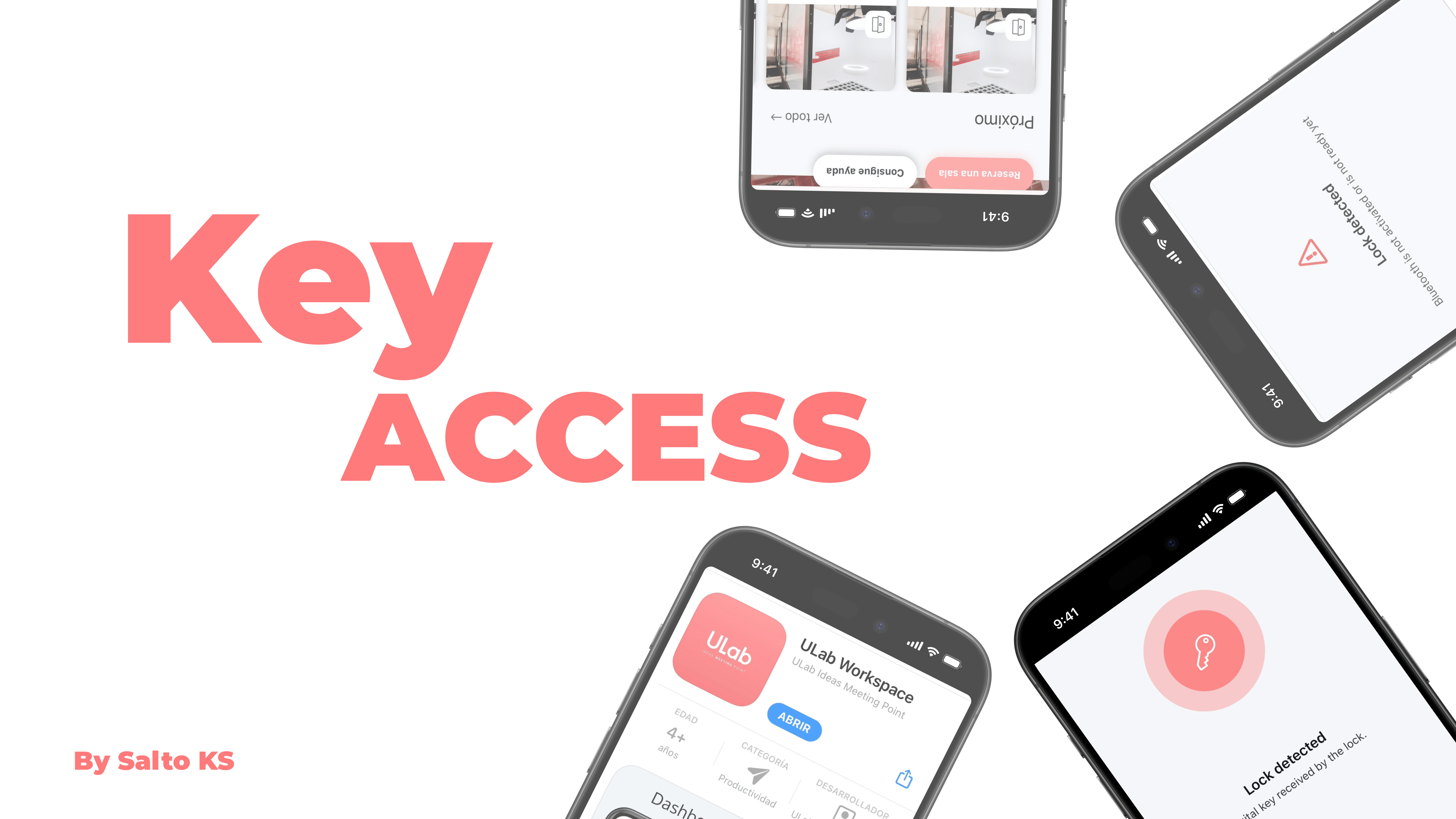
To access both the coworking area and your offices, it is important that you have the ULab app downloaded and registered on SALTO KS.
How It Works
Once you register in the ULab member portal, you will receive an email from the Salto platform to sign up (we know, lots of sign-ups).
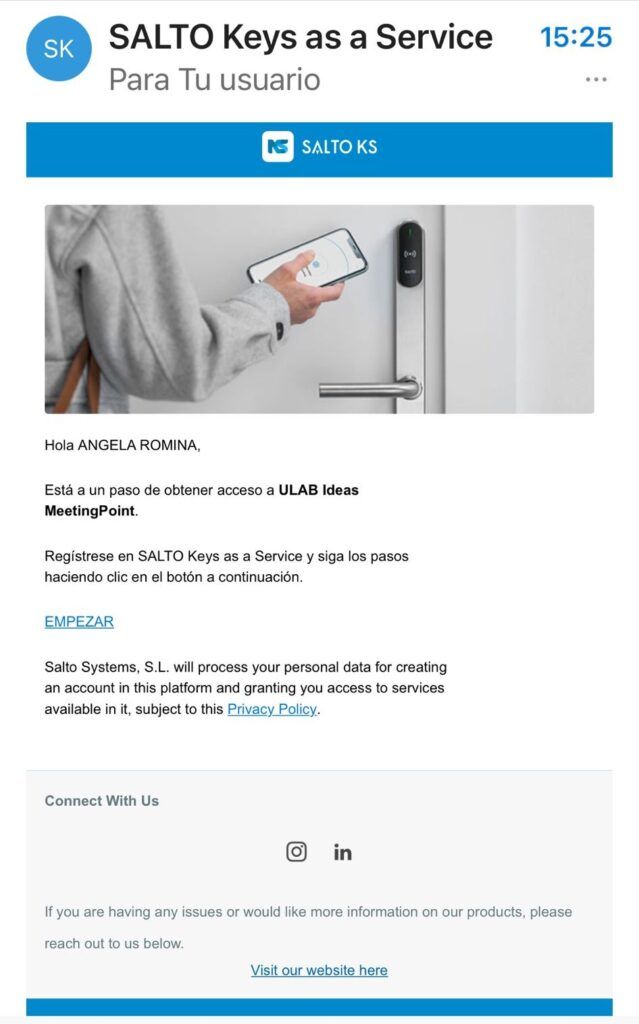
This registration is only to activate the key.
You do not need to download the SALTO KS app.
I already have my registration, what is the next step?
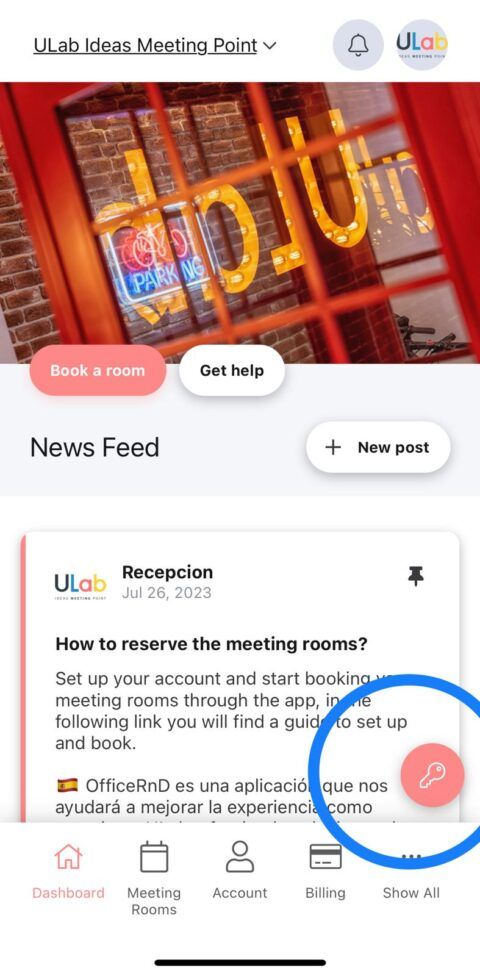
Now that you have your registration, the next step is to ensure that your digital key is activated through the ULab app. Here’s what you should do next:
- Open the ULab app: Ensure that you are logged in with the same account you used to register.
- Check for access: Your digital key should be automatically linked to your account. You should see access permissions for the coworking area and offices within the app.
- Test your access: Approach the door with your phone and use the digital key feature in the app to unlock it.
IMPORTANT
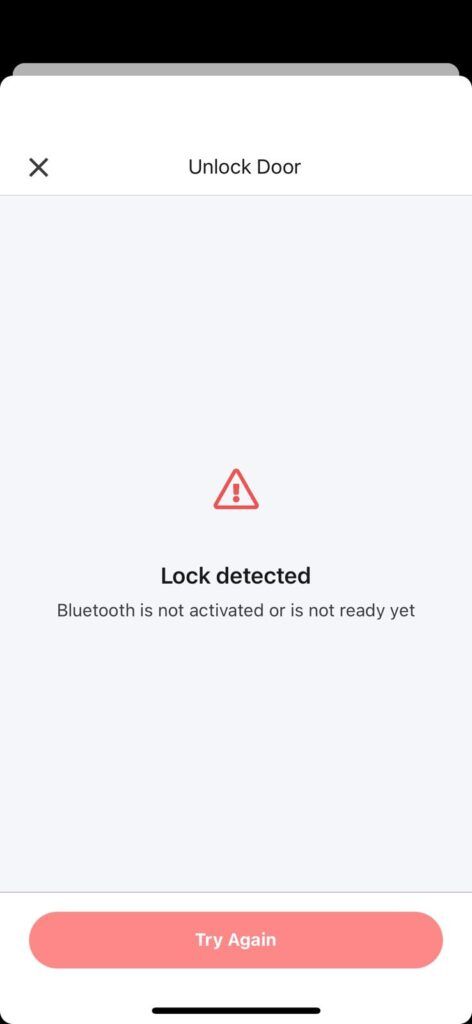
You must always keep your Bluetooth activated; otherwise, it will not work.
Need a place to focus and grow your projects?
ULab is the coworking space in the heart of Alicante for entrepreneurs, freelancers and remote teams. Flexible desks, private offices, meeting rooms and a real community.

0 Comments